Word games for life after stroke
Practise the words that matter, one gentle game at a time.
Short games for a person living with aphasia and the helper beside them: hear a word and find it, read it, say it, spell it, sing a line you know.
Free on iPhone, iPad, Android phones and tablets, and Fire tablets.
Where would you like to start?
Two ways in, one app.
I’m practising, or helping someone
- Short games for each pathway to a word
- Big words and pictures, gentle mode on from the start
- Answer with a tap, a tap anywhere as the choices light up, or a long blink
- A map of which pathways are working well and which want a little practice
I’m a speech therapist or a clinic
- A clinician page naming each task and the route it practises
- Accuracy, response time, level reached and error type
- A PDF to share and a CSV of every trial, when your client chooses
- Clinic import is planned: tell us what your clinic needs
Every road to a word
A round takes a few minutes. Stop whenever you like.
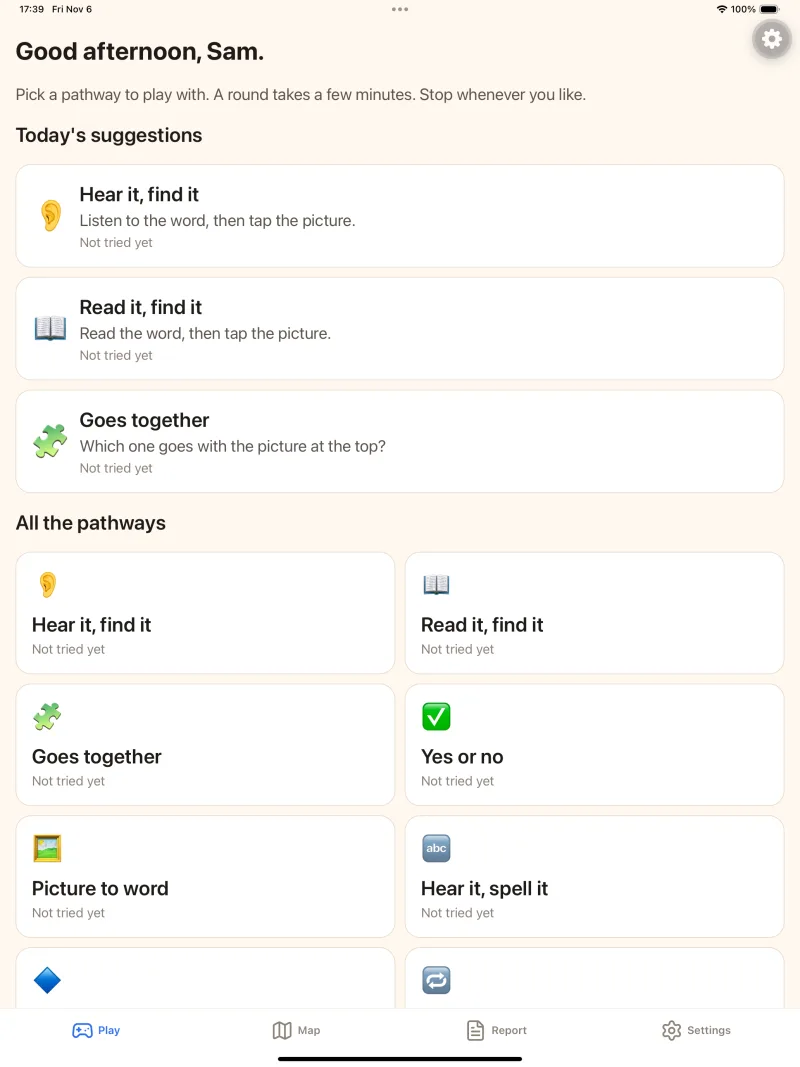
Hear it, find it
Listen to a word, then tap its picture.
Read it, find it
Read the word, then tap the picture that goes with it.
Say its name
Say a word into the tablet and hear how close you were, or let a helper rate it.
Spell it out
Look at the picture and build its word from the letters.
Finish the line
A line from a song you know, with one word missing: tap the word. Or sing along with the recording.
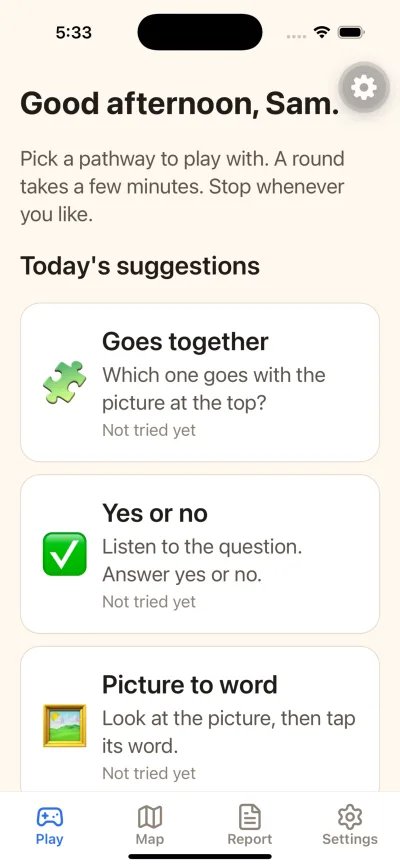
Goes together
Which one goes with the picture at the top?
Also in the app: Yes or no, Picture to word, Follow the clue, Hear it, spell it, Say it after me, Read it out loud and Sing along. The song games use songs from a WorshipTeam account.
Your map
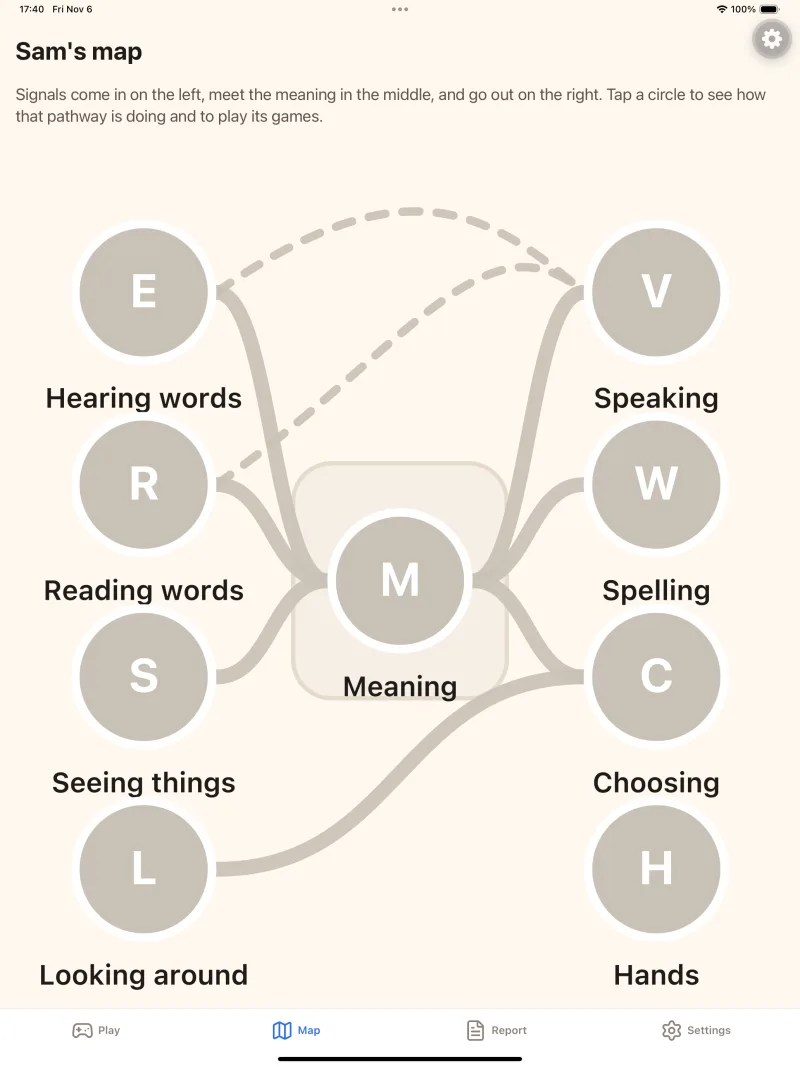
See which pathways are working well
Signals come in on the left, meet the meaning in the middle, and go out on the right. As you play, the map fills with colour, so you can see which pathways are working well and which want a little practice.
Tap a circle to see how that pathway is doing and to play its games.
Made gently, for tired days too
No red “wrong” screens
Gentle mode is on from the start: a miss shows the right answer, and that word comes back later in the round.
Answer the way that works
Tap the answer, tap anywhere as the choices light up one at a time, or use a long blink.
Big and calm
Big words and pictures, one idea on the screen at a time, the largest text sizes and dark mode.
Yours until you share it
Everything stays on the tablet until you choose to share a report with your therapist.
Questions? We’re glad to help.
Read the help page, or write to support@resonateaphasia.com and a person will answer.